

Shopify Quotes
Shopify Request a Quote, From the Team That Builds the Apps
Some B2B orders need a conversation before a price, and a Buy button does not allow for that. We publish two quote apps on the Shopify App Store, and we will tell you if draft orders alone will do.
- Two quote apps of our own
- Quote button only where you want it
- Draft orders are enough for some sellers
Tell Us About Your Project
Why Quote Requests Get Lost
Contact Forms Drop the Details
A general form tells you someone is interested, not which items and quantities they want. A quote request carries the products with it.
Prices You Cannot Publish
Contract or case-by-case prices do not belong on a public page. Add to Quote hides prices and shows your own replacement text instead.
Deals Tracked in an Inbox
Quotes kept in email get forgotten, then retyped as orders. Keeping the quote inside your store gives you a straight line from request to order.
Three Ways to Handle Quotes on Shopify
Draft orders are on all four B2B plans. App prices are from our Shopify App Store listings. Both apps are ours, so compare them with draft orders first.
| Option | Best for | What you get | Price |
|---|---|---|---|
| Native draft orders | Reps who build each quote by hand | Orders your team prepares in Shopify, with no app | Included in your plan |
| Simple Request a Quote | Stores keeping normal checkout and adding quotes on chosen products | Quote button on the products you choose, one-click conversion to draft orders, storefront in 16 languages | Free plan. Pro at $9.99/mo |
| Add to Quote | Teams running quotes as a sales pipeline | Quote requests from any product or collection page, CRM pipeline, hidden prices, branded quotes from Gmail or Outlook | From $25/mo with a 14-day free trial |
What We Set Up
- A recommendation between draft orders and each app
- App install and configuration
- Quote button on chosen products or collections
- Hidden prices for items sold by quote only
- Branded quotes sent from Gmail or Outlook
- Training on the quote to order path
- Custom quote flows when neither app fits

How We Add Quotes
Decide What Gets Quoted
Everything, or only large, custom or contract items.
Pick the Tool
Draft orders, Simple Request a Quote or Add to Quote, based on how your team sells.
Set the Handoff
We decide who receives each request and who answers it.
Test a Full Quote
We run a request through to a finished order before buyers see it.
Stores We Built
A few of the Shopify stores we've designed and built. See our full portfolio
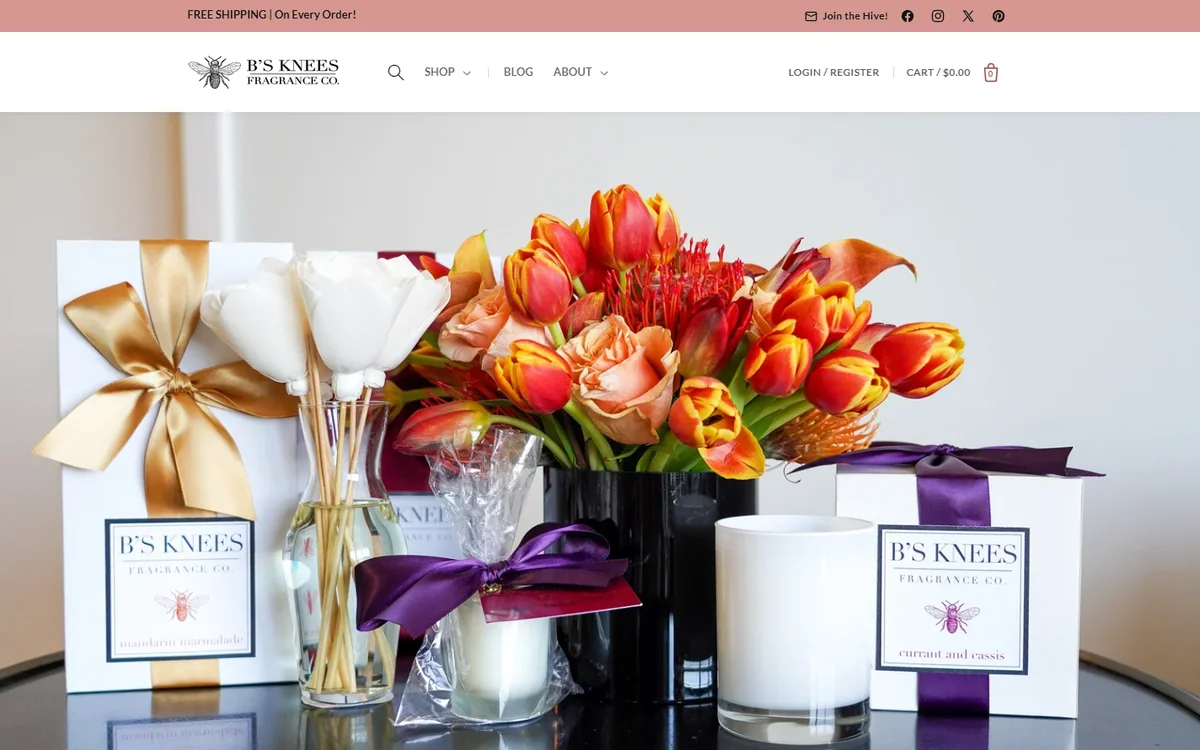 Home fragrance, DallasB's Knees Fragrance Co.(opens in a new tab)Web design and development for a candle and reed diffuser brand, with SEO, wholesale pricing and a B2B login.
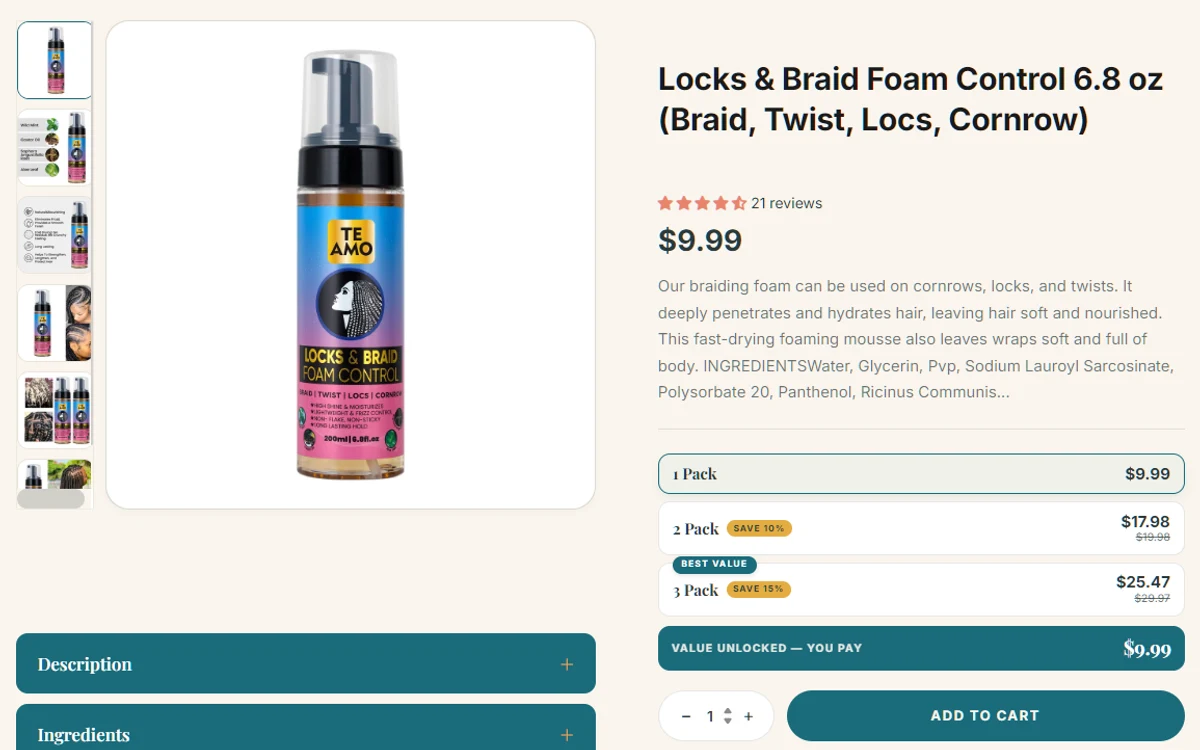 Hair and skin careTe Amo Supply(opens in a new tab)Web design and development for a plant-based hair and skin care brand, with a Request a Quote page and high-converting product pages.
What Merchants Say About Our Shopify Apps
Real reviews from the Shopify App Store. They cover our apps.
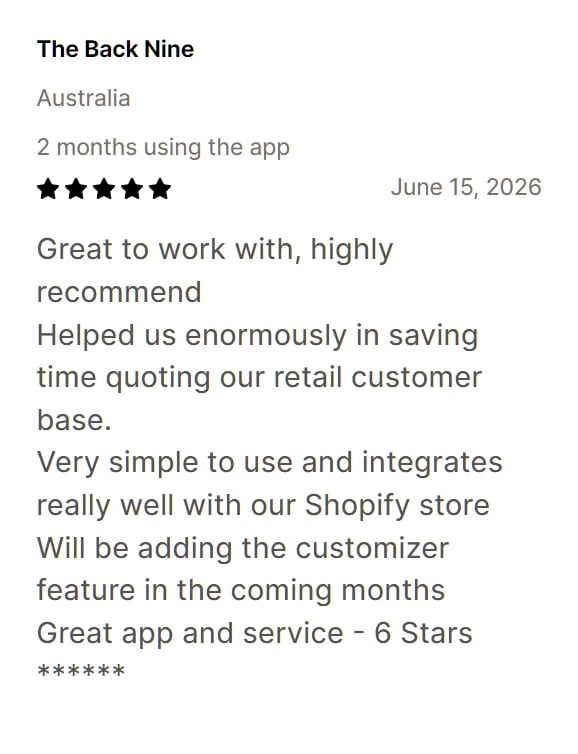
Review of Add to Quote 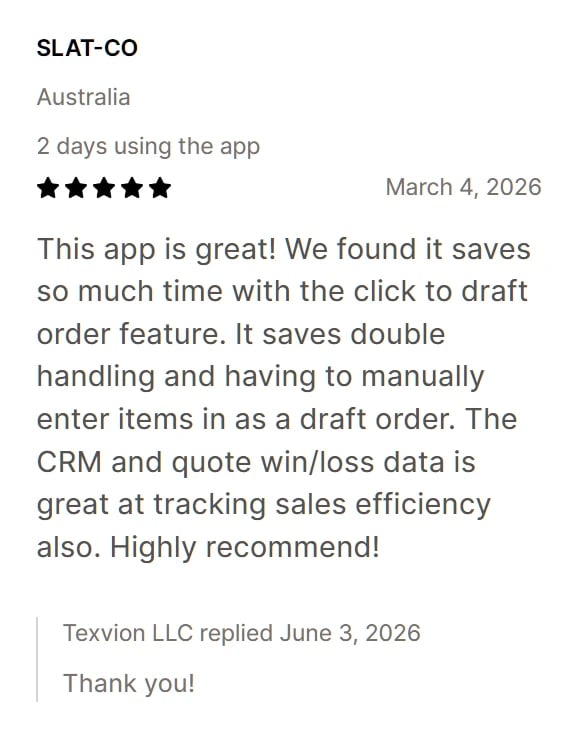
Review of Add to Quote 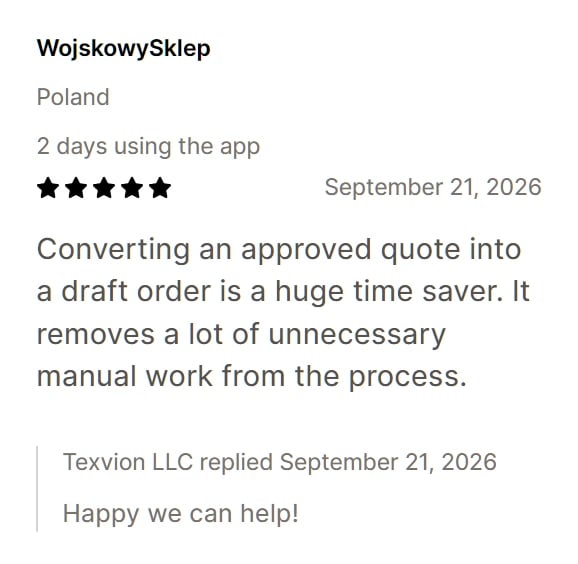
Review of Simple Request a Quote
Frequently Asked Questions
Related Shopify Services
- Shopify B2B DevelopmentHire us to scope and build a Shopify store that B2B buyers can order from.
- Shopify B2B PricingCustomer-specific, tiered and wholesale prices without manual corrections.
- Shopify Purchase OrdersHandle buyer POs and supplier POs without losing the paper trail.
Shopify is a trademark of Shopify Inc. Texvion is an independent company and is not affiliated with or endorsed by Shopify Inc.