Website Redesign
Website Redesign Services That Protect What Already Works
A new look is the easy part of a redesign. The risk is losing the pages, links and search traffic your old site earned, so we start by working out what to keep.
- Advice on whether you need a redesign
- Old URLs mapped to new ones
- Current site stays live during the build
Tell Us About Your Project
When a Redesign Is Worth It, and When It Is Not
You May Not Need One
If the site works on phones, brings in leads and only looks a little dated, new photos and clearer headings may be enough. We will tell you if that is the case.
When It Is Justified
A redesign earns its cost when the site fails on phones, when nobody can edit it, or when the pages still describe the company you used to be.
Traffic Can Drop After Launch
Changing URLs without redirects sends visitors and search engines to dead pages. We map every important old URL to its new home and set up 301 redirects before launch.
What a Redesign Includes
- Review of your current pages and analytics
- Google Search Console check of pages that earn traffic
- Content list: keep, rewrite or remove
- New page structure and design
- URL map and 301 redirects
- Build on a private staging site
- Launch checks for forms, tracking and broken links
- Search Console review after launch

How a Redesign Runs
Audit
We look at what your site does today, which pages bring people in, and what is getting in the way.
Decide
Together we choose between a refresh, a rebuild on your current platform, or a move to a new one.
Rebuild
We design and build on a staging site while your current site keeps running.
Switch Over
We put redirects in place, go live, and check for crawl errors and broken forms.
Stores We Built
A few of the Shopify stores we've designed and built. See our full portfolio
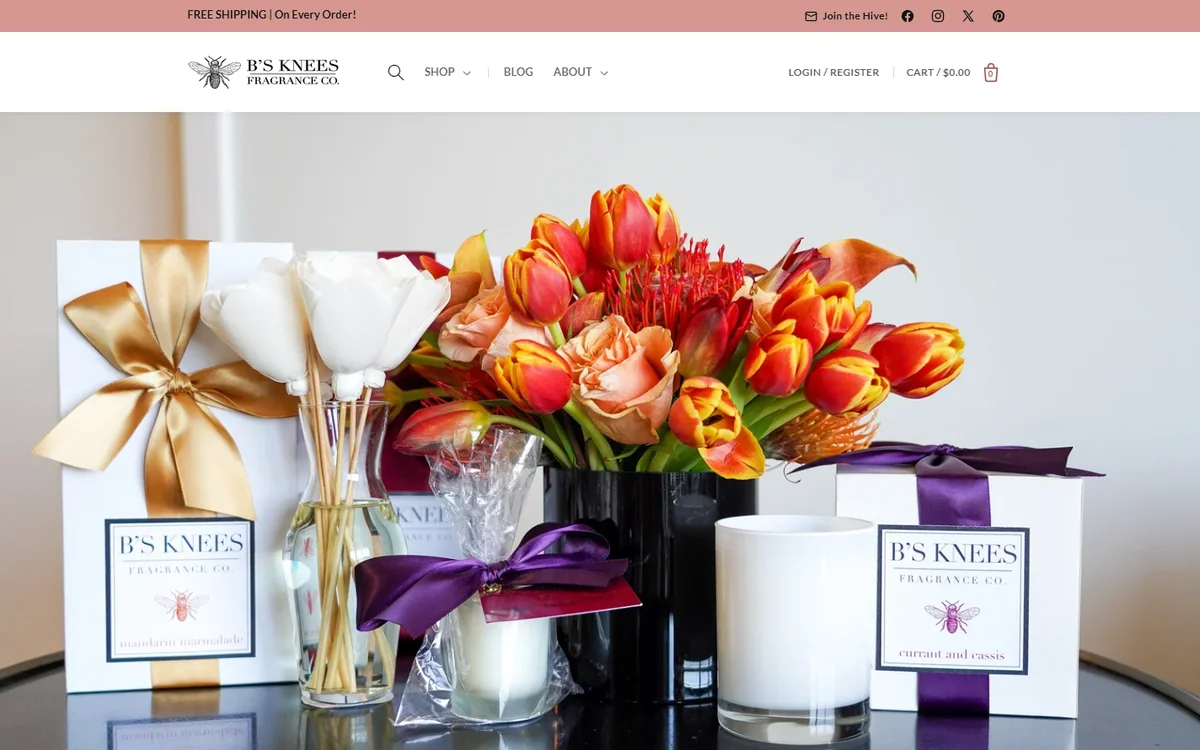 Home fragrance, DallasB's Knees Fragrance Co.(opens in a new tab)Web design and development for a candle and reed diffuser brand, with SEO, wholesale pricing and a B2B login.
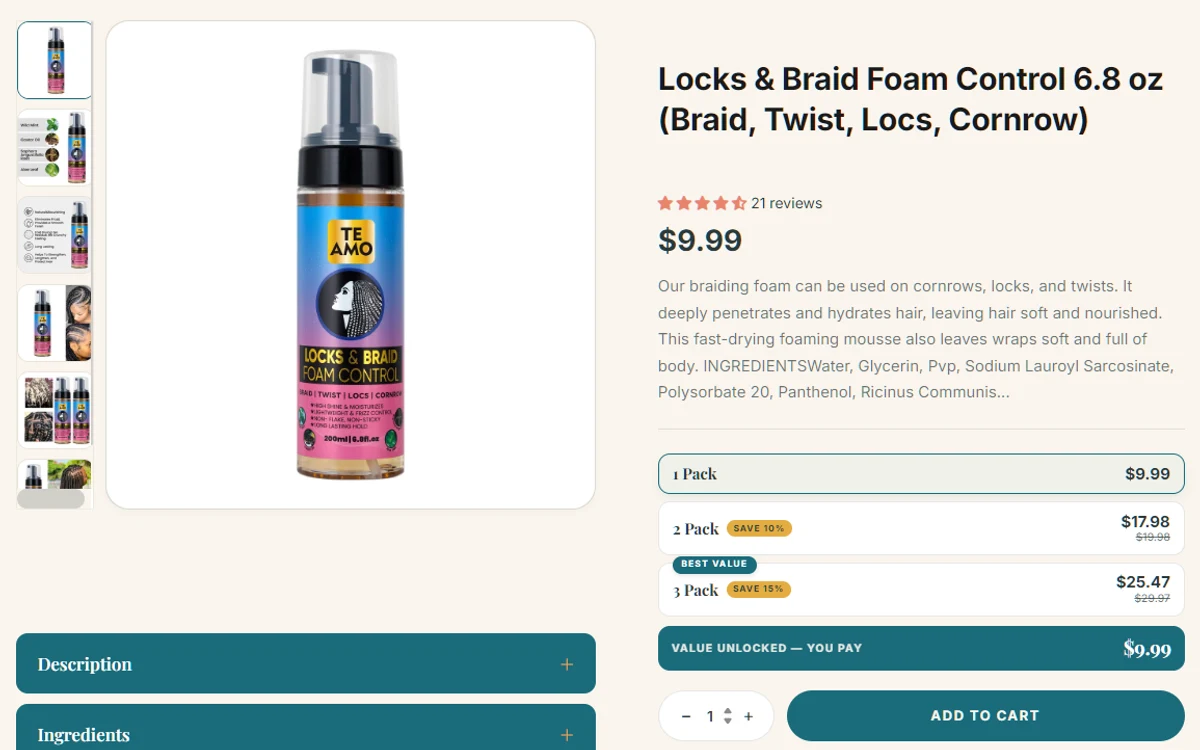 Hair and skin careTe Amo Supply(opens in a new tab)Web design and development for a plant-based hair and skin care brand, with a Request a Quote page and high-converting product pages.