Website Cost Guide
How Much Does a Website Cost?
A website can cost a few hundred dollars a year or tens of thousands to build, and quotes rarely explain the gap. This guide breaks the budget down using published estimates, so you can see which range fits your business.
- Published ranges by type of site
- Monthly and yearly running costs
- When a DIY builder is enough
Tell Us About Your Project
What You Actually Pay For
The Build
This is the one-time cost of planning, design and development. It depends on how many different page types and custom features you need, far more than on the total page count.
Domain and Hosting
These are the small yearly costs. Published estimates put a domain at about $12 to $25 a year and hosting at about $40 to $150 a year for a basic site.
Upkeep
Updates, backups and small fixes. Published estimates put basic maintenance from about $35 to $100 a month, with complex sites costing more. It is the line people forget to budget for.
Published Website Cost Estimates
These are published estimates from agencies, not our prices. We do not publish prices. Your cost depends on your scope.
| Item | Who it suits | Published estimate |
|---|---|---|
| DIY site builder | A simple site you set up yourself | A few hundred dollars a year |
| Freelancer site | A simple site made for you | $500 to $5,000 |
| Small agency site | A planned business site | $3,000 to $15,000 |
| Feature-rich or ecommerce build | Stores, portals and custom features | $15,000 to $60,000+ |
| Domain | Every website | $12 to $25 a year |
| Hosting | A basic site | $40 to $150 a year |
| Basic maintenance | Sites that need regular updates | From about $35 to $100 a month, more for complex sites |
What Pushes the Price Up
- Many different page layouts instead of a few
- Custom features such as calculators or portals
- Integrations with your CRM or other software
- Selling online, especially with a large catalog
- Moving a lot of content from an old site
- Several languages or regional versions
- Rounds of changes with no single decision maker

How to Get a Quote You Can Trust
List Your Pages
Write down the pages you need. Even a rough list makes quotes easier to compare.
List Your Features
Separate what the site must do on launch day from what would be nice later.
Check Your Content
Decide who supplies the text and photos, because that is often where projects stall.
Compare Quotes Fairly
Ask each provider what is excluded, and who owns the domain and the accounts after launch.
Stores We Built
A few of the Shopify stores we've designed and built. See our full portfolio
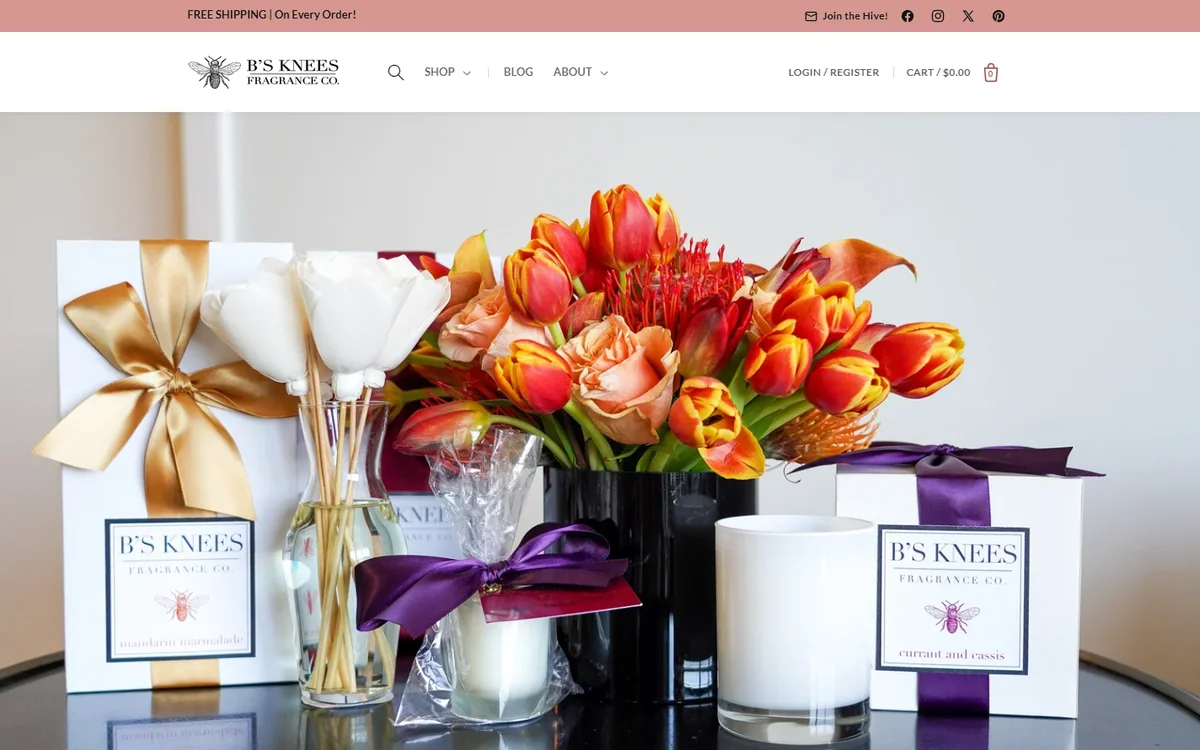 Home fragrance, DallasB's Knees Fragrance Co.(opens in a new tab)Web design and development for a candle and reed diffuser brand, with SEO, wholesale pricing and a B2B login.
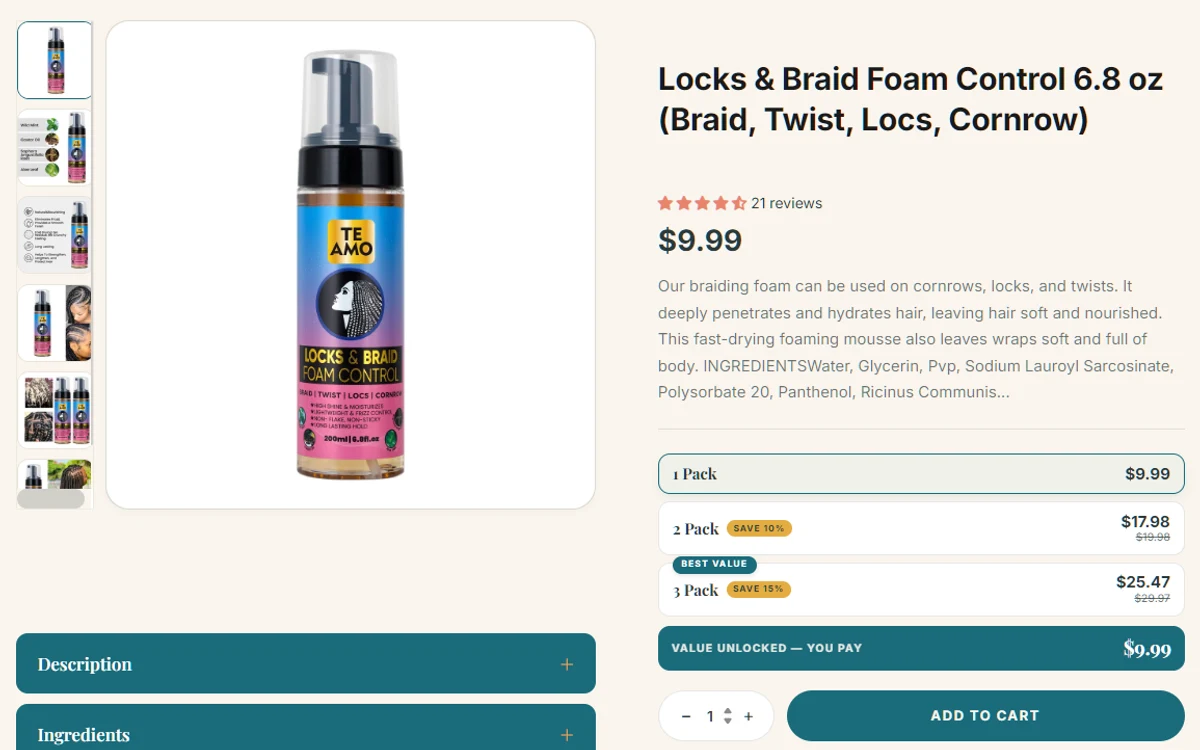 Hair and skin careTe Amo Supply(opens in a new tab)Web design and development for a plant-based hair and skin care brand, with a Request a Quote page and high-converting product pages.